How to pre-load and install GTA 6 on PS5 and Xbox Series X|S
Step-by-step pre-load and install instructions, including code-in-box copies and what to check before launch.
 © Rockstar Games

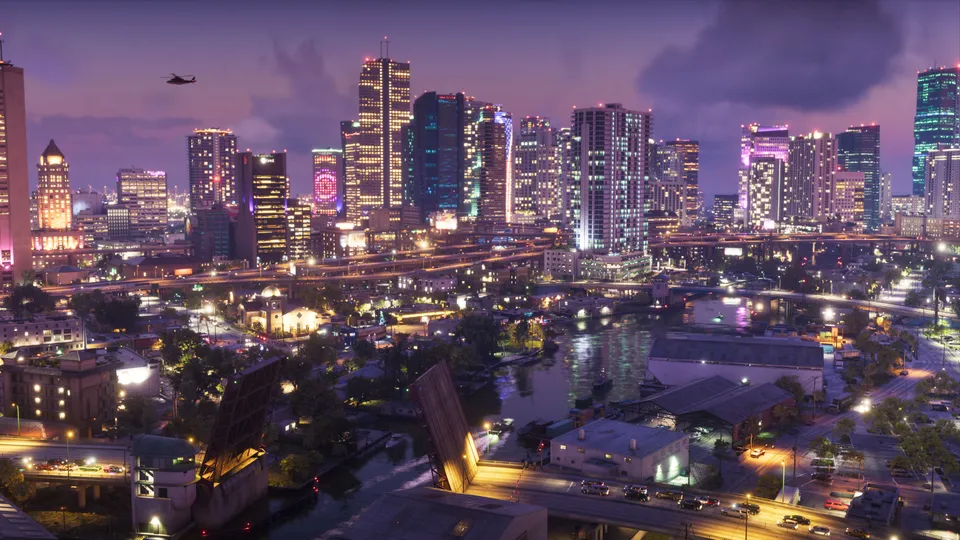
Pre-loading lets you download Grand Theft Auto VI before launch, so you can play as soon as it unlocks on November 19. Pre-loading opened on November 10. The download needs up to 212 GB depending on your device.
Before you start
- Make sure you have up to 212 GB free. See our storage guide.
- Connect your console to the internet and keep it in a power mode that allows downloads in rest mode.
- Sign in with the account that bought the game.
PlayStation 5 (digital pre-order)
- Open your game library and find Grand Theft Auto VI under purchased games.
- Select Download. The pre-load started at midnight local time on November 10.
- Leave the console in rest mode with internet access to finish the download.
Xbox Series X|S (digital pre-order)
- Open My games & apps, then Full library, then Purchased games.
- Select Grand Theft Auto VI and choose Install. The pre-load started globally at 12 a.m. GMT on November 10.
Code-in-box (physical) copies
Physical copies contain a download code, not a disc. Rockstar says you can activate the code and pre-load as soon as you receive it.
- PS5: redeem the code in the PlayStation Store under Redeem codes, then download from your library.
- Xbox: redeem the code in the Microsoft Store under Redeem, then install from your library.
If the download will not start
See our download troubleshooting guide.
Menu names can differ slightly between system software versions. Rockstar Support also publishes pre-load help.
Sources
- OfficialGrand Theft Auto VI Pre-Load Begins on November 10Rockstar Newswire, 3 November 2026
- OfficialPre-Load Grand Theft Auto VI NowRockstar Newswire, 10 November 2026
- OfficialPre-Order Grand Theft Auto VI on June 25Rockstar Newswire, 24 June 2026
Spotted an error? Report a correction. Read our verification policy.
Watch: real GTA 6 gameplay
How To Make GTA 6 Look Better – Best TV, PS5 & Xbox Settings (Get Better Graphics)
Luh Haiti
Do This Before It's TOO LATE In Chapter 1 Of Grand Theft Auto 6! | GTA6 Beginner's Guide & Tips
NorZZa
GTA 6 - Free Roam Exploring the MASSIVE Leonida Open World in 4K Ultra HD [PS5 Pro]
DubStepZz
Related reading
 © Rockstar Games
GTA 6 Workout Guide: How to Build Strength and Cardio Fast
Master the gym mechanics in GTA 6 to quickly build Jason and Lucia's Strength and Cardio stats using equipment, punching bags, and recovery tricks.
3 min read
 © Rockstar Games
Can Jason and Lucia Get Naked in GTA 6? Full Frontal Nudity Explained
Find out whether Jason and Lucia can go fully naked in GTA 6, what you actually see during showers and intimate scenes, and how NPC nudity works across Leonida.
3 min read
 © Rockstar Games
GTA 6 Auto-Drive Guide: How to Let Jason and Lucia Drive for You
Learn how to use the Auto-Drive feature in GTA 6 to let Jason and Lucia navigate Leonida automatically while you soak in the views.
3 min read