GTA 6 OLED Display Guide: Why Upgrading Your Screen Makes Vice City Look Better
Discover why upgrading to an OLED display transforms GTA 6's neon-lit streets and tropical Leonida landscapes, plus key tech features to look for.
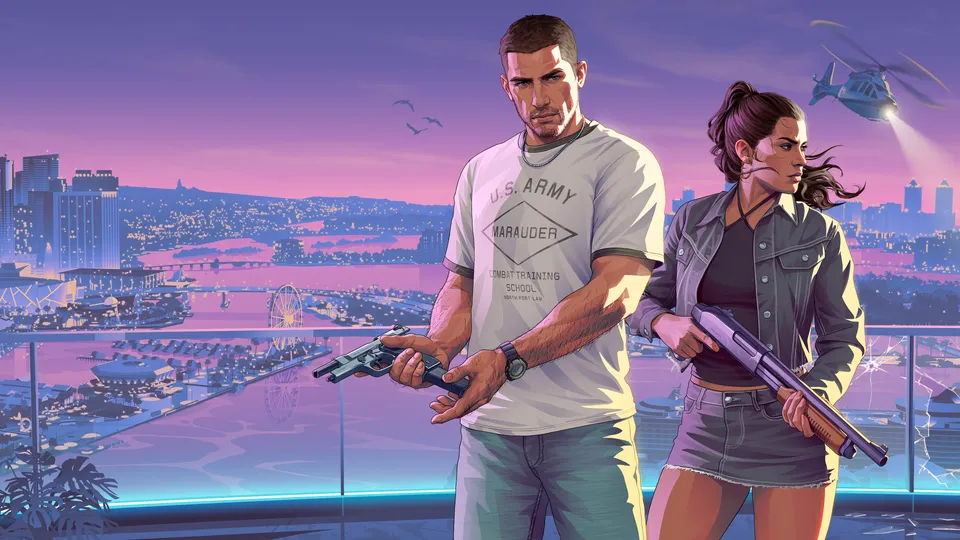 © Rockstar Games
According to Dexerto, upgrading your display to an OLED screen can drastically change how Grand Theft Auto VI looks on your desk or living room setup. With Vice City and the surrounding landscapes of Leonida packed with neon-lit streets, crowded nightlife, and tropical beaches, Rockstar Games has built its most visually ambitious open-world game yet. While players often focus heavily on console performance, the hardware displaying those pixels makes a massive difference in how the game’s lighting and atmosphere come across.
Why OLED Matters for Vice City
Unlike traditional LCD monitors, OLED displays can turn individual pixels off completely, producing luxuriously deep blacks. This technical advantage makes a huge impact in a game like GTA 6, where players constantly transition between bright daytime sun, dark indoor spaces, and nighttime environments. According to Dexerto, those improvements shine brightest during nighttime cityscapes and colorful outdoor scenes.
Brightness Technology and Handling HDR
Modern OLED gaming monitors have introduced features designed to tackle brightness and visibility across vastly different environments. For example, GIGABYTE’s AORUS FO32U24G features a 32-inch 4K display built around a fourth-generation Tandem WOLED panel. Its RealBlack Glossy screen treatment is built to preserve deep blacks and perceived contrast while actively reducing unwanted reflections. Furthermore, technologies like HyperNits adjust HDR brightness to help prevent images from appearing overly dark. According to GIGABYTE, HyperNits can increase overall brightness by up to 30% while preserving highlight details during high-contrast scenes.
Console Compatibility and HDMI 2.1
Although high-end gaming monitors are typically associated with PC setups, OLED picture quality benefits console players just as much. GTA 6 is scheduled to launch on PS5, PS5 Pro, and Xbox Series X|S, all of which support modern display features including HDR. High-end displays like GIGABYTE’s FO32U24G and FO27Q28G feature HDMI 2.1 connectivity, making them fully compatible options for players running consoles alongside their PCs. Even though consoles won’t maximize these specific monitors’ maximum refresh rates of 240Hz and 280Hz, OLED contrast, black levels, and color reproduction will still noticeably improve how supported games look.
Preventing Burn-In During Long Open-World Sessions
One of the most common concerns regarding OLED technology is burn-in, which occurs when uneven pixel wear leaves persistent image retention on a display. This becomes a major consideration when static elements remain visible for extended periods, such as the health bars, mini-maps, and other interface elements commonly found in video games. Given that players could spend hundreds of hours exploring the massive open world of Leonida, long-term display protection is definitely worth evaluating. Manufacturers address this with built-in safeguards like AI OLED Care Pro, which automatically manages brightness, performs pixel cleaning during idle periods, and powers down the display when users step away.
Choosing the Right Monitor Model
Choosing a display involves balancing screen size, resolution, panel technology, and your room’s specific lighting conditions. If you are prioritizing GTA 6’s visual presentation, different options suit different budgets and desk spaces:
- GIGABYTE FO32U24G: Features a 32-inch 4K Tandem WOLED panel for maximum sharpness.
- GIGABYTE FO27Q28G: Provides a smaller 27-inch QHD alternative with a 280Hz refresh rate.
- GIGABYTE MO27Q28G and MO27Q28GR: Feature fourth-generation Tandem WOLED panels with matte-style anti-reflection versus glossy screen treatments.
- GIGABYTE MO27Q2A: Provides an alternative QD-OLED panel technology featuring a 1.5M:1 contrast ratio for even deeper blacks.
Proof at a Glance
| Feature or Technology | Shown By |
|---|---|
| Pixel-level blackout | OLED pixel technology |
| Increased HDR highlight detail | HyperNits brightness adjustment |
| Console HDR and high-refresh support | HDMI 2.1 connectivity |
| Long-term panel protection | AI OLED Care Pro and Cooling Force |
What This Means for Players
Ultimately, upgrading your display is entirely optional, but an OLED screen elevates GTA 6’s lighting, reflections, and nighttime aesthetics significantly. If you are planning to spend hundreds of hours exploring Leonida, ensuring your display handles contrast and HDR effectively will make Rockstar’s detailed world pop right off the screen. Check your current hardware setup and room lighting before making a purchase, and remember to balance resolution needs against your console or PC capabilities.
Evidence checked (1)
Everything you need is on this page. These are the records we checked the facts against.
- PressWhy you should upgrade to an OLED for GTA 6Dexerto, 24 November 2026
Spotted an error? Report a correction. Read our verification policy.
Watch: real GTA 6 gameplay
GTA 6 - Vice City & Tommy Vercetti Easter Egg
AFGuidesHD
GTA 6’s Secret Portal Takes You Back to Vice City! (Full Guide)
Misleading
GTA 6 - How to Unlock the Secret Vice City Easter Egg (Full Guide)
Dan Allen Gaming
Related reading
 © Rockstar Games
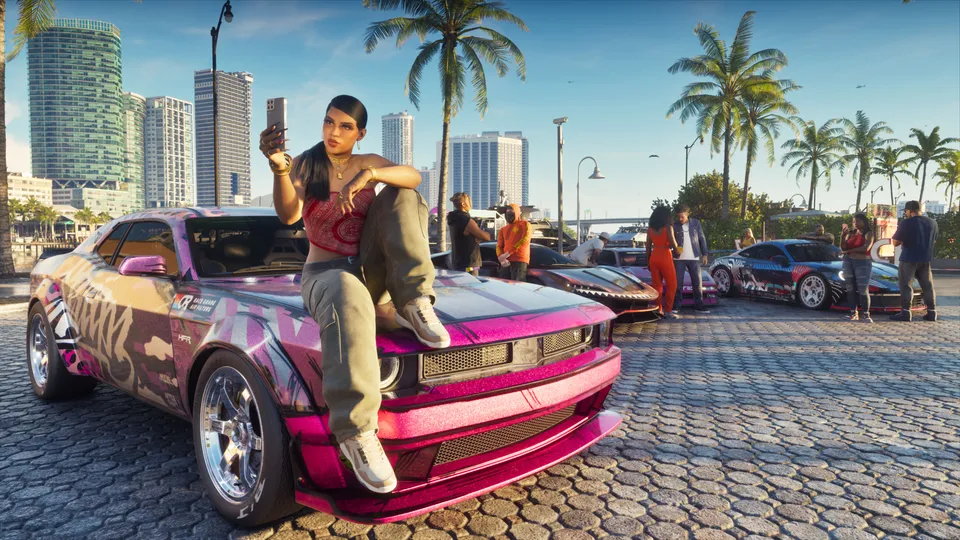
GTA 6 Guide: How to Remove Advanced Trackers and Keep Any Supercar
Learn how to unlock the Key Cloner and remove Advanced Trackers in GTA 6 so you can permanently register and keep high-end supercars.
3 min read
 © Rockstar Games
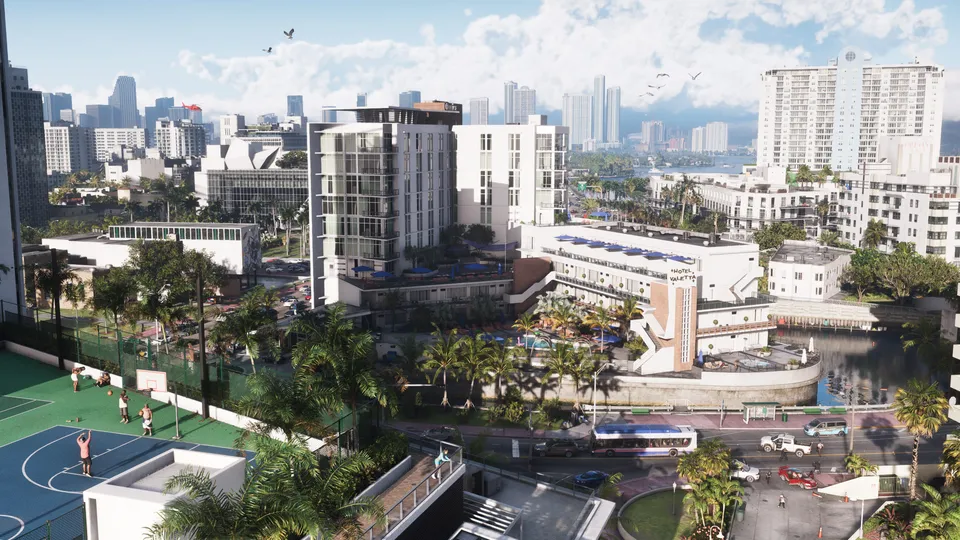
GTA 6 tips you should know: remote fencing, quick waypoints, first-person aiming, auto-drive and 25 more
Send your partner to fence loot from anywhere, set waypoints with D-pad Down, switch to classic controls, aim in first person with any optic, let the car auto-drive in cinematic mode, keep five outfits in your trunk, loot cop-car trunks for body armor and a long gun, and bank your cash before you die.
5 min read
 © Rockstar Games
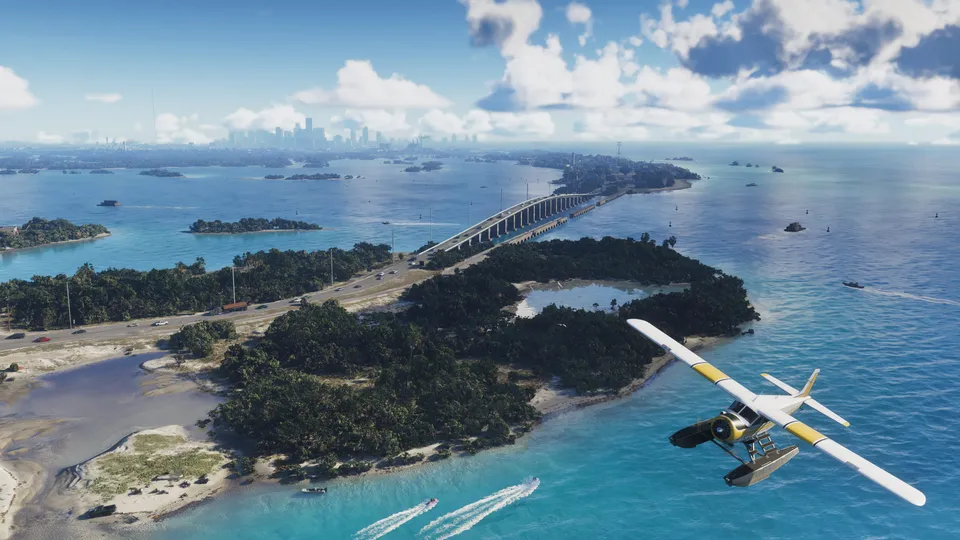
GTA 6 Health Stat Guide: How to Max Out Health for Jason and Lucia
Maxing out Health in GTA 6 keeps Jason and Lucia alive in tough fights and crashes. Here is how to use strength workouts, the Fitness app, and daily limits to reach Level 4.
3 min read