GTA 6 First-Person Camera Glitch Discovered on PS5 and Xbox Series X|S
GTA 6 does not officially launch with a first-person mode, but players have discovered a clever controller workaround to force the camera into first-person view.
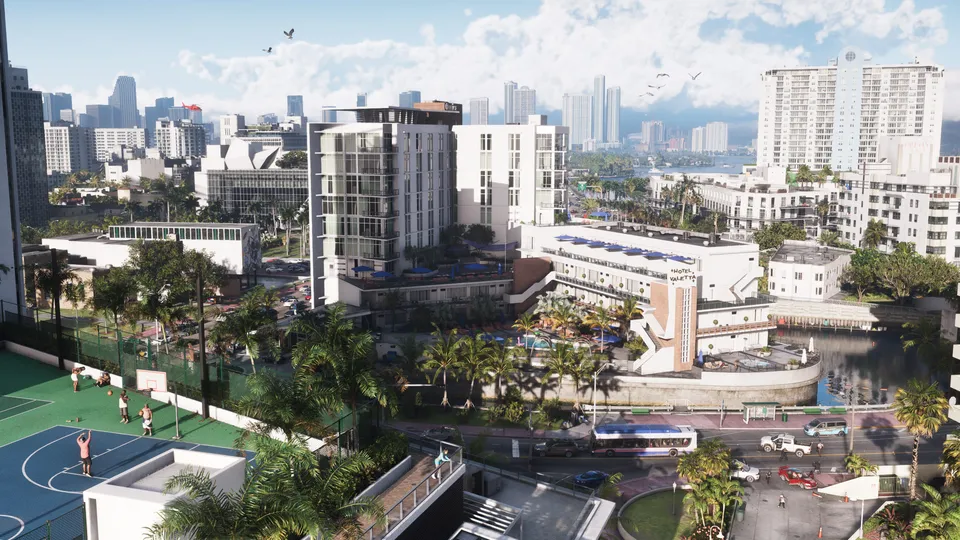 © Rockstar Games

Grand Theft Auto 6 may have launched without an official first-person mode, but inventive players have already found a way around Rockstar’s limitations. According to PC Gamer and IGN, a newly discovered controller workaround lets you force the game into a first-person perspective, giving you a brand-new way to experience Leonida. While the feature is clearly unfinished and comes with some visual quirks, it offers an exciting glimpse into what a proper first-person mode might look like in a future update. If you want to try out this community-discovered camera trick before Rockstar inevitably patches it, here is everything you need to know to get it working on your PlayStation 5 or Xbox Series X|S.
How to Set Up the First-Person Camera Glitch
Activating the unofficial first-person mode requires changing a specific controller mapping and timing a series of button inputs while sitting inside a vehicle. According to PC Gamer, you can pull this off in just a few steps:
- Open your pause menu and navigate to the controller settings.
- Scroll down to the Controller Features section.
- Change your touchpad or select button setting to Camera 2.
- Hop into any vehicle in the game world.
- Bring up your in-game phone using the D-pad.
- Press Circle (on PlayStation) or B (on Xbox), then quickly press your select or touchpad button.
Once you nail the timing, the camera will snap into a first-person perspective, allowing you to drive around Vice City and explore Leonida from behind Jason or Lucia’s eyes. As IGN notes, this mirrors how Grand Theft Auto 5 originally launched on PS3 and Xbox 360 in 2013 without first-person, only receiving the full perspective upgrade a year later on PS4 and Xbox One.
What Works and What Looks a Little Rough
Because this is an unintended camera state rather than a fully polished feature, the results are decidedly mixed. PC Gamer reports that the mode is completely playable, letting you cruise the streets with working vehicle speedometers visible on your dashboard. However, animations and character models do not always agree with the new viewpoint. When you pull up a longarm weapon, your character’s shoulders will clip right through the camera. Similarly, watching animations of your character breaking into a car from this closer angle can look a bit rough around the edges.
Beyond driving and shooting, IGN highlights a few official, intended ways Rockstar lets you get up close and personal with your surroundings, such as clicking in the right analog stick while holding the left trigger with an unequipped weapon to enter an inspect mode. But the glitched first-person perspective takes things much further, letting you roam freely, fire weapons, and rob convenience stores from right in the thick of the action.
How to Exit First-Person Mode
If you get tired of the camera clipping or want to return to the standard third-person perspective designed by Rockstar, reverting the change takes a bit of deliberate action. Simply dying in the game world will not reset the camera back to normal. Instead, you have to manage your save files. As PC Gamer points out, you need to save your game while currently stuck in the first-person view, and then immediately load that exact same save file. Doing so will kick your camera back out to God’s preferred third-person viewpoint, though you will need to repeat the button trick if you ever want to jump back in.
What We Know and What We Don’t
| Claim | Status |
|---|---|
| GTA 6 has an official first-person mode at launch | False |
| Players can force first-person using a controller settings trick | Confirmed |
| The camera glitch works on both PS5 and Xbox Series X | S |
| Rockstar plans to add official first-person support in a future patch | Rumoured |
What This Means for Players
For players who prefer immersion and want to experience the dense, highly detailed streets of Leonida up close, this community workaround is a fun temporary toy. While it is certainly janky and bound to be patched out by Rockstar in a future title update, it proves that the foundational assets for a first-person camera are lingering somewhere in the game’s code. Whether Rockstar is holding the feature back for a future DLC release or simply polishing it up for a later current-gen patch remains to be seen. In the meantime, you can test out the glitch yourself, or check out our other guides if you are just starting out, including our Beginner’s Guide, tips on handling the wanted system, and a breakdown of how map size works.
Sources
- PressGTA 6 Doesn't Officially Have First-Person, but You Can Force It to — Here's How to Do ItIGN, 20 November 2026
- PressGTA 6 is playable in first-person, here's how to activate itPC Gamer, 20 November 2026
Spotted an error? Report a correction. Read our verification policy.
Watch: real GTA 6 gameplay
How To Make GTA 6 Look Better – Best TV, PS5 & Xbox Settings (Get Better Graphics)
Luh Haiti
GTA 6 - Free Roam Exploring the MASSIVE Leonida Open World in 4K Ultra HD [PS5 Pro]
DubStepZz
Best HDR Settings For GTA 6 - Why HDR Is Not Perfect
GamingTech
Related reading
© Rockstar GamesGTA 6 Early Weapon Locations: How to Get the Shrewsbury SM-69 and Kingfishers W-22
Learn how to collect the Shrewsbury SM-69 sniper rifle and the legendary suppressed Kingfishers W-22 rifle early in GTA 6.
5 min read
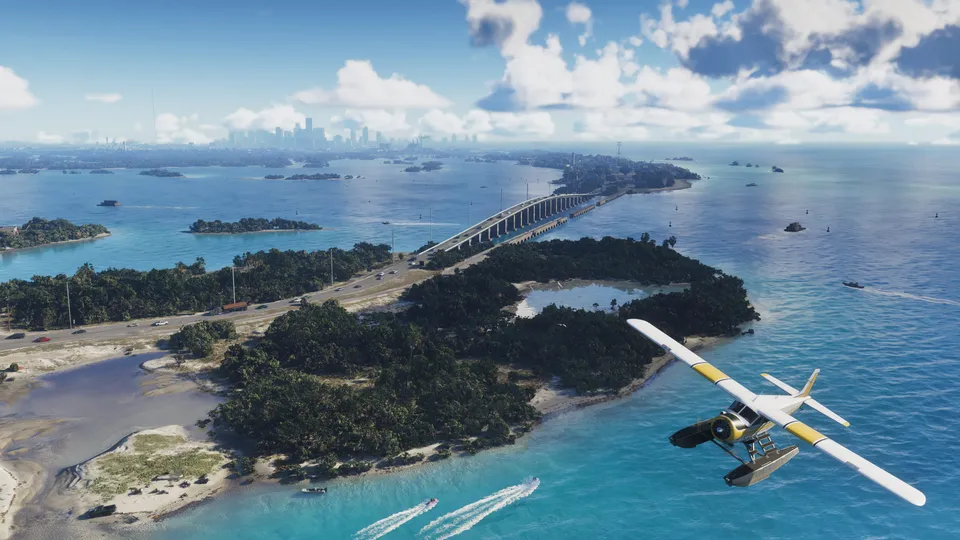 © Rockstar Games
GTA 6 Wildlife and Fishing Guide: How to Visit the Zoo and Master Angling
Discover the Wildland Zoo on Waxman Island and learn how to master the fishing mechanics in GTA 6 to catch the heaviest fish in Leonida.
3 min read
© Rockstar GamesGTA 6 First-Person Glitch: How to Enable It on PS5 and Xbox
Players have discovered a simple glitch to unlock an unofficial first-person mode in GTA 6 on PS5 and Xbox Series X|S.
3 min read